
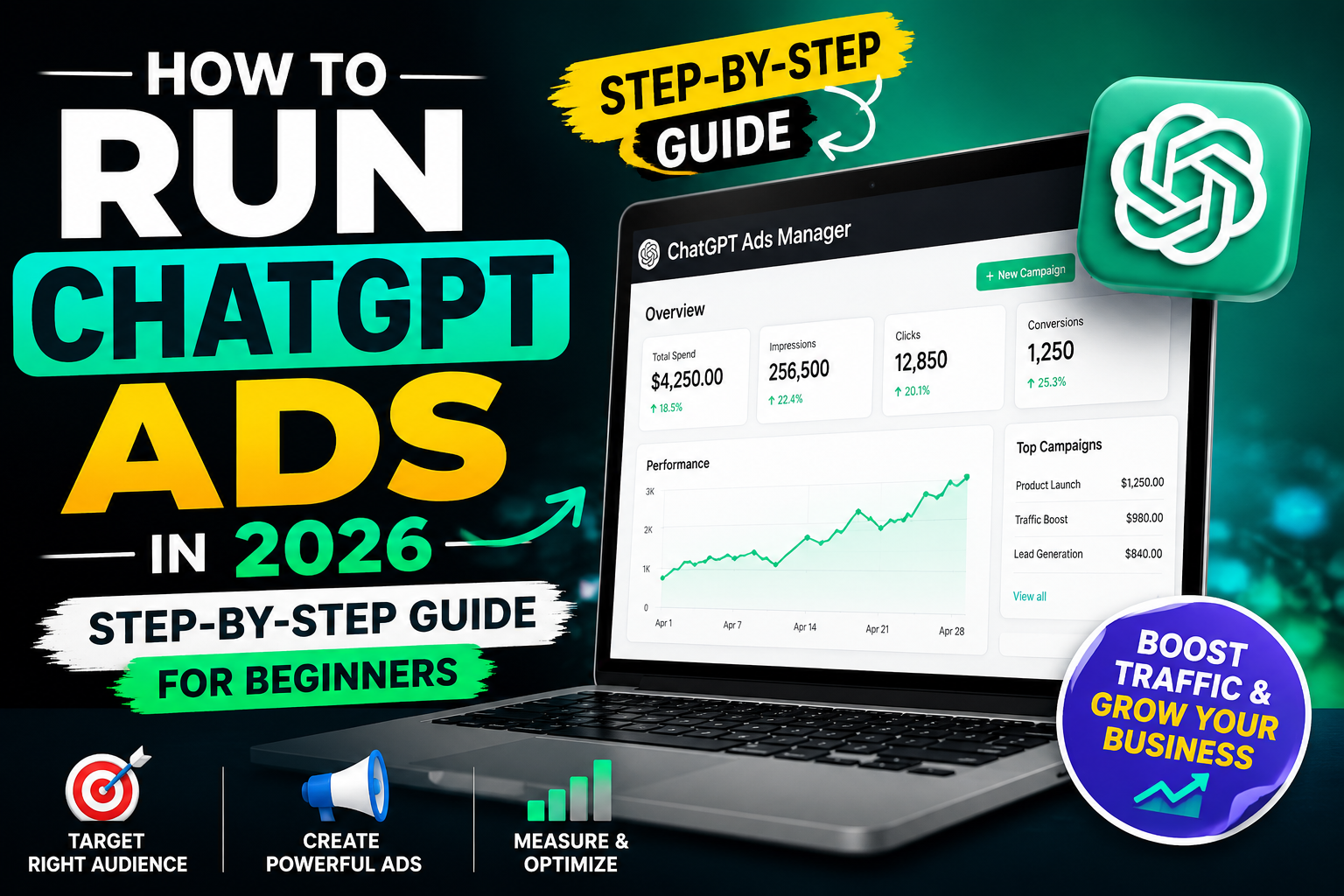
The scroll stopped, and it wasn’t on Instagram
A friend of mine runs a small furniture business in Hyderabad. Last month he told me something that made me sit up. One of his biggest orders that quarter came from a customer who found him through a conversation on ChatGPT, not Google, not Meta How to Run ChatGPT Ads
That’s when it hit me. The ad game is shifting again, and most business owners haven’t even noticed yet.
If you’ve spent years pouring money into Google Ads or Meta campaigns and watching costs climb while results stay flat, this is worth your attention. ChatGPT Ads are real, they are live, and in 2026 any business, including small agencies and local shops, can actually run them. No massive minimum spend, no waiting for an invite.
This guide walks you through exactly how to get started, step by step, even if you’ve never touched an ad platform outside Google and Facebook before.
Table of Contents
ToggleQuick Answer How to Run ChatGPT Ads
ChatGPT Ads let businesses place sponsored cards below ChatGPT’s AI generated answers, shown only to Free and Go plan users. You sign up through OpenAI’s self serve Ads Manager, pick a Clicks or Reach goal, set a budget with no minimum spend, add context hints describing your ideal customer, and OpenAI runs an auction to decide when your ad appears mid conversation.
What Is ChatGPT Advertising, Really?
Let’s clear something up first. ChatGPT Ads are not the same as running a Google search ad or a Facebook boosted post. Those platforms match you to a keyword or an interest. ChatGPT matches you to a conversation, sometimes mid way through, after the person has already explained what they need in their own words.
Picture someone typing into ChatGPT, “I need a good CRM for my small agency, something affordable that won’t need a developer to set up.” That’s not a keyword search. That’s a full sentence packed with intent, budget hints, and even a mild objection baked in. A well matched ad can show up right there, not before the person searched, but while they’re actively working through the decision.
OpenAI opened this up properly through something called Ads Manager, a self serve dashboard at ads.openai.com. It started as a closed pilot for big spenders, but that changed fast. By May 2026, the platform dropped its minimum spend requirement entirely, which is honestly the part that got small business owners excited, because suddenly this wasn’t just for brands with six figure ad budgets.
Right now, ads only show to people on the Free plan and the cheaper Go tier. If someone pays for ChatGPT Plus, Pro, Team, or Business, they don’t see ads at all. That’s an important detail, because it tells you something about who you’re reaching. These are largely everyday users still exploring, comparing, and deciding, not power users who’ve already committed to the tool for serious work.
Why Should You Even Care About This?
Because attention is shifting, and ad costs on the old platforms keep climbing every quarter.
Here’s the thing nobody talks about enough. ChatGPT crossed hundreds of millions of weekly users, and a growing chunk of them are now researching purchases inside a chat window instead of a search bar. That’s a huge shift in behaviour, and most competitors haven’t caught on yet, which means less noise and less competition for your ad right now compared to Google.
There’s also a subtler benefit. Since ChatGPT ads respond to actual conversational context rather than broad keyword matching, they can reach someone earlier in their buying journey, sometimes before they’ve even decided which brand to shortlist. That’s a valuable position to be in, even if it’s a bit harder to measure with the attribution tools we’re used to.
For a local business, say a hair studio in Vizag or a small SaaS tool built for Indian freelancers, this early mover advantage matters. Fewer advertisers means your rupee goes further, at least while the space is still filling up.
Complete Step by Step Guide to Running ChatGPT Ads
Step 1: Understand the Ad Format Before You Build Anything
What It Means Before you touch the Ads Manager, you need to know exactly what a ChatGPT ad looks like, because it’s very different from a Google search ad or an Instagram carousel.
Why It Matters If you design creative like it’s a display banner, it’ll get ignored or worse, flagged. This format demands restraint.
How To Do It The current format is what OpenAI calls a chat_card. It shows up as a small sponsored card right below the AI’s generated answer. Think headline, a short line of description, maybe a small image or your logo, and a link out to your site. That’s it. No flashy visuals, no long paragraphs. It’s closer to a text ad than anything you’ve built for Meta.
Example Say you sell handmade leather bags. Your card might read something like “Handstitched leather totes, made in India” with a short line about free shipping, and a button leading straight to your product page.
Pro Tip Write the headline like you’re answering the exact question the person just asked ChatGPT. Generic brand taglines fall flat here. Specificity wins.
Step 2: Set Up Your Ads Manager Account
What It Means This is your entry point, the dashboard where campaigns, budgets, and creative all live.
Why It Matters Without this account, you can’t run a single ad. And getting the setup right early saves you from re-doing targeting later.
How To Do It Head to ads.openai.com and register your business. You’ll need standard details, business name, website, billing info. Unlike the early pilot days that demanded a huge minimum commitment, self serve access now has no minimum spend, so you can genuinely start small and test the waters.
Example A freelance web designer with a modest monthly budget can open an account and set aside even a small test budget just to see how the platform behaves before scaling up.
Pro Tip Don’t skip filling out your business profile completely. A thin profile can slow down ad approval, and trust signals matter more on a newer platform like this one.
Step 3: Choose Your Campaign Objective
What It Means You’re picking between two core buying models, Clicks (CPC) or Reach (CPM).
Why It Matters Your objective decides how OpenAI’s auction prices and delivers your ad. Get this wrong and you’ll either overpay for visibility nobody acts on, or underpay and barely get seen.
How To Do It If your goal is driving traffic or leads straight away, go with Clicks. If you’re building brand recall for something people won’t buy today but might in three months, Reach works better. Most small businesses starting out should lean toward Clicks, since it ties spend directly to action.
Example A local coaching business trying to fill a course batch by next week would choose Clicks. A newer skincare brand just trying to get its name known would lean toward Reach.
Pro Tip Start with Clicks even if brand awareness is your long term goal. It’s easier to judge whether the channel works for you when every rupee is tied to a measurable action.
Step 4: Set Your Budget
What It Means Decide how much you’re willing to spend daily or for the whole campaign.
Why It Matters Since there’s no forced minimum anymore, you have real flexibility, but going in too cautious means your data set will be too small to learn anything useful.
How To Do It Reported entry bids on this platform tend to sit somewhere around three to five dollars per click, with CPMs landing in a wider range depending on your industry. Convert that to INR and plan a test budget that can run for at least ten to fourteen days without you panicking and pulling the plug too early.
Example If you’re testing with roughly fifteen thousand rupees over two weeks, that’s usually enough clicks to see a rough pattern in performance, though not enough to draw hard conclusions yet.
Pro Tip Treat your first two weeks purely as a learning phase. Resist the urge to judge ROI on day three. This is a newer auction system and it needs time to calibrate to your audience.
Step 5: Build Your Targeting Using Context Hints
What It Means This is the part that trips up most beginners coming from Google Ads, because you’re not bidding on keywords here.
Why It Matters Context hints are essentially how you describe your ideal customer’s situation to the system in plain language. Get this wrong and your ad shows to the wrong conversations entirely.
How To Do It At the ad group level, there’s a freeform text box. You can write a few sentences describing who you’re trying to reach, the kind of question or problem they’d bring to ChatGPT, even mention scenarios rather than isolated keywords. It reads more like briefing a smart assistant than filling out a targeting form.
Example Instead of typing “CRM software” the way you might on Google, you’d write something closer to “small agency owners frustrated with complicated CRM tools who want something simple to set up without hiring a developer.”
Pro Tip Write your context hints the way you’d explain your ideal customer to a new employee on their first day. Full sentences beat fragments every time on this platform.
Step 6: Add Location and Language Targeting
What It Means Beyond context, you can narrow reach by country, region, even down to postal code level in supported markets.
Why It Matters For a business serving Hyderabad and Vizag specifically, this keeps your budget from leaking out to users far outside your service area.
How To Do It Set your geographic parameters inside the campaign settings, using country, state, or DMA level targeting depending on what’s available for your market. You can both include and exclude locations.
Example A hair studio only serving clients in Vizag would exclude spend on users outside a reasonable travel radius, keeping the budget tight and relevant.
Pro Tip Even if your market coverage feels broad right now internationally, always double check location settings before launch. It’s an easy step to forget and an expensive one to skip.
Step 7: Design the Creative
What It Means Writing the actual headline, description, and image that will appear inside the chat card.
Why It Matters Given the tight character limits, roughly fifty characters for the headline and around a hundred for the description, there’s zero room for fluff.
How To Do It Lead with the specific benefit your buyer actually wants, not your brand name, not a vague slogan. Keep the tone conversational, almost like you’re continuing the answer ChatGPT just gave rather than interrupting it with a sales pitch.
Example Instead of “Best Marketing Agency in Vizag,” something like “Get more local leads without wasting ad spend” fits the tone of a helpful next step rather than an ad.
Pro Tip Write five or six versions before picking one. This format is unforgiving of weak copy since there’s no visual to compensate for it.
Step 8: Launch and Monitor
What It Means Once approved, your campaign goes live, and now the real work of watching and adjusting begins.
Why It Matters This is still a young ad system. Performance benchmarks are thin industry wide, so your own data becomes your best guide faster than on mature platforms.
How To Do It Check click through and conversion numbers regularly, but give the auction system time to stabilise. Adjust context hints if you notice irrelevant traffic slipping through, and refine creative if clicks aren’t translating into action on your site.
Example If you notice your ad showing up in conversations that clearly aren’t your target buyer, tighten your context hints rather than pulling the whole campaign.
Pro Tip Keep a simple spreadsheet logging what context hints and creative combos you tested each week. On a newer platform like this, your own notes become more valuable than any case study you’ll find online.
Common Mistakes Beginners Make
Mistake: Treating context hints like Google keywords
Impact: You’ll write short, fragmented phrases that confuse the matching system and lead to irrelevant impressions.
Solution: Write full sentences describing real customer situations, not isolated terms.
Mistake: Judging results too early
Impact: Pulling a campaign after two or three days of data leads to decisions based on noise, not signal.
Solution: Commit to at least ten to fourteen days before making major changes.
Mistake: Copying Meta or Google creative style
Impact: Flashy, sales heavy copy feels out of place next to a helpful AI answer and gets ignored.
Solution: Write like you’re offering the next helpful step in the conversation, not interrupting it.
Mistake: Ignoring the audience limitation
Impact: Forgetting that only Free and Go tier users see these ads can lead to unrealistic expectations about reach.
Solution: Factor this into your targeting and budget expectations from day one.
Mistake: Skipping location exclusions
Impact: Wasted spend on users far outside your actual service area.
Solution: Set geographic parameters carefully before launch, especially for local businesses.
Best Practices Worth Following
- Lead every ad with a concrete, specific benefit rather than a brand name or generic tagline
- Write context hints as full sentences describing real customer scenarios
- Start with a Clicks objective if you need measurable action early on
- Give campaigns a proper runway of ten to fourteen days before judging performance
- Keep creative honest and conversational, this audience can tell when something feels like a pitch
- Track everything manually at first since standardised benchmarks are still thin
- Revisit targeting weekly rather than setting it once and forgetting it
Tools and Resources Comparison
| Platform | Targeting Method | Minimum Spend | Best For |
|---|---|---|---|
| ChatGPT Ads | Conversational context hints | None | Early stage intent, conversational buyers |
| Google Search Ads | Keyword bidding | None, but competitive CPCs | High intent search queries |
| Meta Ads | Interest and behaviour targeting | None | Visual products, broad awareness |
| LinkedIn Ads | Job title, industry, company | Higher entry cost | B2B and professional services |
A Real Example Worth Learning From
Situation: A retail brand wanted to test a new advertising channel without committing a huge budget upfront, since ChatGPT Ads were still new territory for their team.
Challenge: They had no benchmark data to compare against and weren’t sure if conversational ad placements would actually drive purchases the way search ads did.
Action: Instead of building ads one by one, they used the product feed feature that lets retailers upload a full catalogue, letting the system generate ads automatically across their product range rather than hand crafting each one.
Result: Early data across the retail sector using this feature showed loading a full catalogue outperformed manually built single ads, mainly because it let the system test far more combinations of context and creative than any human team could manage by hand.
The lesson here isn’t that automation always wins. It’s that on a new platform with thin benchmarks, testing broadly beats guessing narrowly.
Expert Tips for Going Further
Once your basic campaigns are running steady, a few advanced moves are worth exploring.
Watch for audience syncing, a feature expected to roll out further through the back half of 2026 that lets you upload your own customer list, hashed emails or phone numbers, and match it against ChatGPT’s user base for retargeting and lookalike style targeting. This is the feature that will bring the platform closer to what advertisers are used to on Meta and Google.
If you’re in retail or ecommerce, the product feed feature is worth prioritising early. Rather than manually crafting every single ad, uploading your catalogue lets the system generate and test variations at a scale no small team could manage alone.
Pay close attention to the auction type too. It runs on a relevance weighted, second price model, meaning the most contextually relevant ad tends to win even over a slightly higher raw bid. That rewards businesses who write tight, specific context hints over those who simply throw more money at the problem.
And don’t ignore the trust angle. OpenAI has been explicit that ads never influence the actual AI generated answer above them, they’re clearly separated and labeled. Users notice that distinction, and ads that respect it, offering something genuinely useful rather than intrusive, tend to earn more goodwill than ones that don’t.
Frequently Asked Questions
What exactly are ChatGPT Ads?
They’re sponsored cards that appear below an AI generated answer inside ChatGPT, shown only to Free and Go plan users, matched to the context of the conversation rather than a typed keyword.
Do I need a huge budget to start running ChatGPT Ads?
No. The self serve platform removed its earlier minimum spend requirement, so small businesses can start with a modest test budget.
How is ChatGPT Ads targeting different from Google Ads?
Google matches ads to typed keywords. ChatGPT matches ads to the broader context of a conversation using freeform context hints rather than exact match terms.
Will ChatGPT Ads affect the AI's actual answers?
No. OpenAI has stated that the AI’s generated response is created independently of any advertising considerations, and ads are shown as a clearly separated, labeled unit.
Who actually sees these ads?
Only users on the Free plan and the lower cost Go tier see ads. Paying subscribers on Plus, Pro, Team, and Business tiers do not see any ads.
What does a ChatGPT ad look like?
It’s a compact card with a short headline, a brief description, an optional image or logo, and a link to your website, placed right below the AI’s answer.
How much does it cost to run ChatGPT Ads?
Reported entry level bids run roughly three to five dollars per click, with CPMs varying by industry and competition, though actual costs will shift as the platform matures.
Can I target by location with ChatGPT Ads?
Yes, you can target and exclude by country, region, and in some markets even more granular geographic levels.
Is there a product feed option for ecommerce brands?
Yes. Retailers can upload a full product catalogue and let the system generate ads automatically rather than building each one manually.
Is ChatGPT advertising worth it for a small local business?
It can be, particularly right now while competition on the platform is still relatively light compared to Google and Meta, though results will vary by industry and offer clarity.
Key Takeaways
- ChatGPT Ads show as sponsored cards below AI answers, visible only to Free and Go tier users
- Self serve access through Ads Manager now has no minimum spend requirement
- Targeting works through conversational context hints, not keyword bidding
- Budgeting typically runs on Clicks or Reach objectives, with entry CPCs around three to five dollars
- Give new campaigns at least ten to fourteen days before judging performance
- Retailers should explore the product feed feature for scaled, automated ad creation
- Write creative that feels like a helpful next step, not an interruption
Conclusion
ChatGPT Ads are still young, and honestly, that’s exactly why this is worth your time right now. The platforms we’re all used to, Google and Meta, are crowded and expensive precisely because everyone already knows how to use them well. This one isn’t there yet.
If you can get comfortable with writing context hints instead of keywords, and creative that reads like advice rather than a pitch, you’re positioned to learn this channel while it’s still cheap to experiment on.
Your Next Step
Start small. Open an account at ads.openai.com, set a modest test budget, and run it for two full weeks before drawing any conclusions. If you’d rather not figure out the context hints and creative testing on your own, that’s exactly the kind of setup work an agency handles day to day, so you’re not burning budget on trial and error.
[…] to Build an AI-Powered E-E-A-T Checker with Claude Code: A Step-by-Step SEO Audit Guide How to Run ChatGPT Ads in 2026: A Step-by-Step Guide for Beginners Reddit’s ChatGPT Citations Fell 86% in 4 Days: What Actually Happened to AI Search […]
[…] How to Build an AI-Powered E-E-A-T Checker with Claude Code: A Step-by-Step SEO Audit Guide How to Run ChatGPT Ads in 2026: A Step-by-Step Guide for Beginners Reddit’s ChatGPT Citations Fell 86% in 4 Days: What Actually Happened to AI Search […]
[…] How to Build an AI-Powered E-E-A-T Checker with Claude Code: A Step-by-Step SEO Audit Guide How to Run ChatGPT Ads in 2026: A Step-by-Step Guide for Beginners Case Studies & Comparisons Reviews & […]
[…] ads don’t beat better creative diversity because Meta’s algorithm rewards variety in format, message, and visual style, not sheer quantity. Running five distinctly […]