

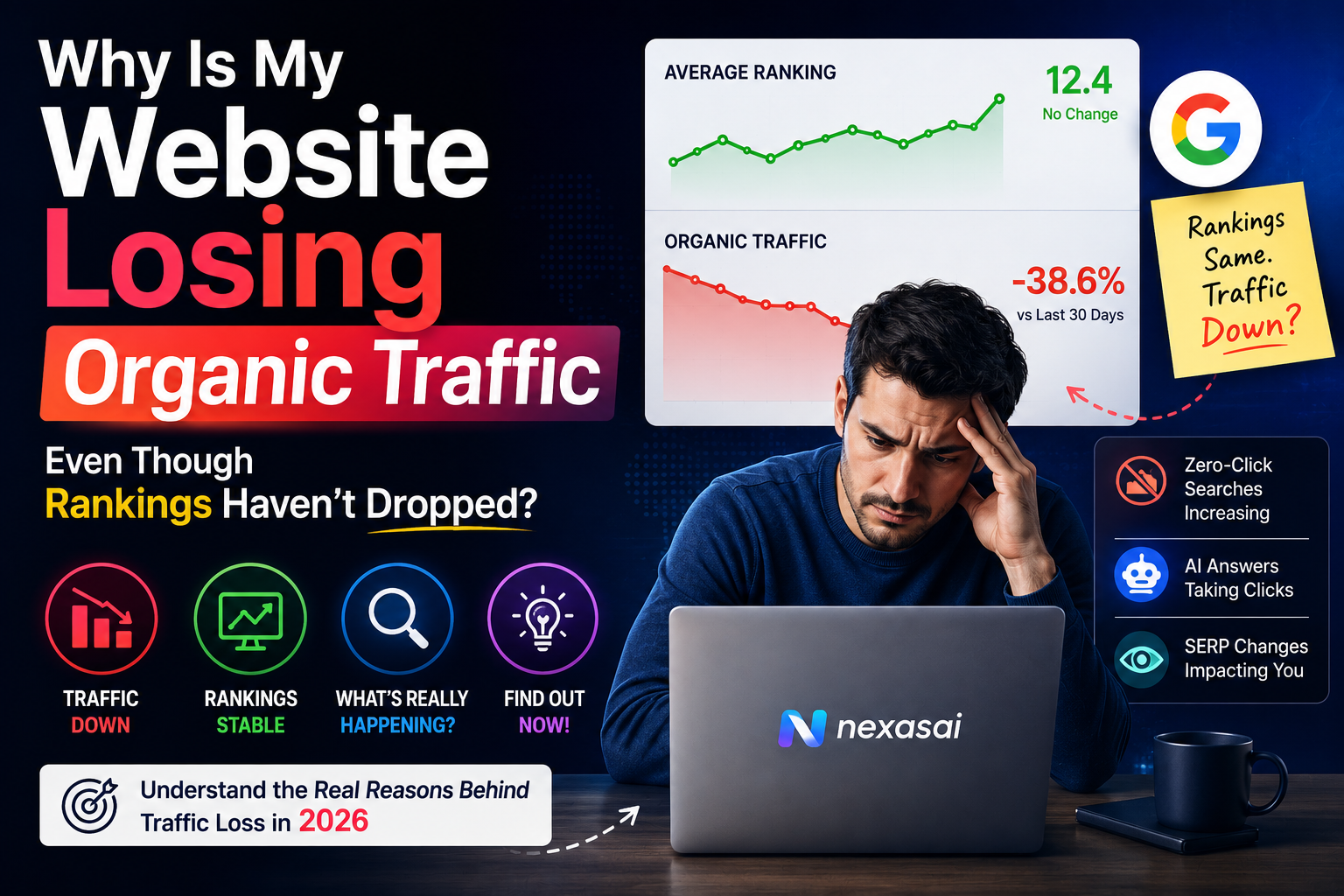
The confusing part nobody warns you about
You open Search Console on a random Tuesday and something feels off. Your rankings look exactly the same as last month. Position 3, position 7, position 12, all steady. But the clicks graph is sliding down and you can’t figure out why.
If you run a business or manage a website, this is one of the most frustrating things that can happen. Rankings are supposed to mean traffic. That’s the whole promise of SEO. So when the numbers don’t match, it feels like the ground shifted under you without warning.
Here’s the thing though. This happens way more often than people realize, and it’s rarely one single cause. Usually it’s two or three smaller things stacking on top of each other quietly, until one day you notice the dip and panic a little organic traffic loss
I’ve seen this exact pattern play out with clients who were convinced Google had “punished” them for no reason, when the real answer had nothing to do with rankings at all.
Table of Contents
ToggleQuick Answer organic traffic loss
Rankings and organic traffic aren’t the same metric. Your position can stay flat while traffic falls because of lower search demand, click share lost to AI Overviews and featured snippets, seasonal shifts, worse click through rates from outdated titles, or tracking issues in Search Console and Analytics. Check demand, SERP features, and CTR before assuming a ranking problem.
What Does Losing Traffic Without Losing Rankings Actually Mean?
In simple terms, this is when your website still holds its position for the keywords you’re tracking, but fewer people are actually landing on your site from those searches.
Think of it like owning a shop on a busy street. Your shop is still in the same spot, same signboard, same shelf position in the local directory. But foot traffic has dropped. The shop didn’t move. Something about the street changed.
A real example. One of the businesses I worked with was ranking position 4 for a competitive local service keyword for months. Traffic had been climbing steadily. Then over three weeks, clicks dropped almost 30 percent while the position barely moved between 3 and 5. Owner assumed Google had quietly demoted them. Turned out Google had rolled out an AI Overview for that exact search term, and it was answering the query directly on the results page before users even scrolled down to the organic listings.
The ranking was fine. The opportunity to get clicked had shrunk.
Why Does This Matter So Much?
Because if you misdiagnose the problem, you fix the wrong thing.
Business owners who see falling traffic often assume it’s a ranking issue, so they throw more money and time at link building or keyword optimization, things that were never broken in the first place. Meanwhile the actual cause, maybe it’s seasonality, maybe it’s a broken tracking script, maybe it’s a title tag that stopped getting clicks, sits there unresolved.
Getting this right matters because your marketing budget and your team’s time are limited. Chasing the wrong fix costs you both.
The Complete Guide to Finding Out What's Really Happening
Step One: Separate Rankings From Impressions From Clicks
What It Means These are three completely different numbers in Search Console, and people often treat them as if they move together. They don’t have to.
Why It Matters Rankings tell you where you show up. Impressions tell you how often your listing was shown. Clicks tell you how many people actually chose to visit. A drop can happen in any one of these without affecting the others.
How To Do It Open Search Console, go to Performance, and look at position, impressions, and clicks as three separate lines over the same time period. If position is flat but impressions dropped, that’s a demand problem. If impressions are flat but clicks dropped, that’s a click through rate problem.
Example A client selling wedding photography services saw clicks fall in the post wedding season slump, January through March, even though their position for “wedding photographer” barely changed. Impressions had dropped because fewer people were searching that term during those months. Nothing was broken.
Pro Tip Always compare year over year, not just month over month. Seasonal businesses especially need this because month to month comparisons can look scary when it’s actually just a normal yearly pattern.
Step Two: Check If AI Overviews or Featured Snippets Are Eating Your Clicks
What It Means Google increasingly answers questions directly on the results page through AI Overviews, featured snippets, and People Also Ask boxes. Your listing can rank well and still get skipped because the user already got their answer without clicking anything.
Why It Matters This is probably the single biggest reason traffic has dropped for so many websites recently, even ones with strong content and solid rankings. The search results page itself is taking a bigger cut of the attention.
How To Do It Manually search your top keywords and look at what’s sitting above the organic results. If there’s an AI Overview, a large featured snippet, or multiple People Also Ask questions eating up screen space, that’s your answer.
Example A recipe blog owner I know watched her traffic for basic “how to” queries drop hard while rankings stayed the same. Almost every one of those searches now triggers an AI Overview that fully answers the question. People simply don’t need to click anymore for the informational stuff.
Pro Tip Content built around informational, one line answer queries gets hit hardest by this. Content built around comparisons, opinions, reviews, and things that need more depth tends to hold up better because AI Overviews can’t fully replace that.
Step 2: Look for the optimization banner
What it means: Google is rolling out an in-account banner inside Tag Manager that prompts you to upgrade your existing container to the new unified structure.
Why it matters: This is the safest, Google-approved way to move your setup forward without manually rebuilding anything.
How to do it: Open your GTM account and watch for the banner. When it appears, you’ll be able to preview every change before it goes live on your workspace.
Example: Instead of guessing what will change, you get a before and after view. That preview step alone will save a lot of agencies from those “why did conversions drop overnight” panic messages.
Pro tip: Never publish changes on a Friday evening or right before a big campaign launch. Give yourself a full business day to monitor numbers after any tagging change.
Step Three: Audit Your Click Through Rate By Page
What It Means CTR is the percentage of people who see your listing and actually click it. A drop here means your listing is visible but less appealing than before.
Why It Matters Titles and descriptions age. What felt fresh and clickable a year ago might now look outdated next to competitors who updated theirs recently.
How To Do It In Search Console, sort your pages by impressions, then compare CTR across similar ranking positions. A page ranking position 5 with a CTR way below what’s typical for that position needs a new title and meta description.
Example One client had a service page stuck with a title written two years earlier. Competitors had since added pricing, ratings, and current year mentions in their titles. Rewriting the title to include a clear benefit and updating the year brought CTR back up within about three weeks.
Pro Tip Numbers, current year, and a clear benefit in the title usually outperform vague, clever titles. Clear beats clever almost every time in search results.
Step Four: Rule Out Technical and Tracking Problems
What It Means Sometimes the traffic didn’t actually drop. The tracking broke.
Why It Matters I’ve seen this cause full blown panic more than once. A tag manager update, a cookie consent tool, a site migration, any of these can quietly stop Analytics from recording visits correctly.
How To Do It Cross check your Analytics traffic against Search Console clicks for the same date range. If Search Console shows clicks but Analytics shows almost nothing, you likely have a tracking issue, not a traffic issue. Also check if your site speed changed recently, since slower load times can hurt both rankings and user experience over time.
Example A client’s Analytics tracking code got accidentally removed during a website update. For nine days it looked like traffic had completely collapsed. Search Console showed clicks were happening the entire time.
Pro Tip Set a calendar reminder to check that your tracking codes are firing correctly after any website update, no matter how small the update seems.
Step Five: Look At Search Intent Shifts
What It Means Sometimes Google decides a keyword now means something slightly different than it used to, and your page no longer perfectly matches what searchers want, even if it still ranks.
Why It Matters Search intent isn’t fixed. It evolves based on what people are actually clicking on, which changes what Google decides to reward with visibility and clicks.
How To Do It Search your main keywords and see what type of content is showing up now. If informational content used to dominate and now it’s mostly product pages, or the other way around, intent has shifted.
Example A keyword that used to pull mostly blog style content started showing comparison tables and buying guides instead. Sites that adapted their content format kept their click share. Sites that didn’t started losing clicks even while holding position.
Pro Tip Recheck your top ten keywords for intent shifts every few months. It’s an easy thing to overlook until traffic already dropped.
Common Mistakes People Make Here
Mistake: Assuming a Google update caused the drop without checking data. Impact: Time and budget wasted chasing an algorithm ghost. Solution: Check impressions, CTR, and SERP features first before blaming an update.
Mistake: Only looking at rankings as the health metric for SEO. Impact: Real problems like poor CTR or tracking errors go unnoticed for months. Solution: Track clicks and impressions as equally important metrics, not just position.
Mistake: Ignoring seasonality in year over year comparisons. Impact: Panic decisions made during a normal, expected slow period. Solution: Always compare the same period from the previous year, not just the previous month.
Mistake: Never updating title tags after they’re written once. Impact: CTR quietly declines as competitors refresh theirs. Solution: Review and refresh titles for your top pages at least twice a year.
Best Practices Worth Following
Check Search Console at least weekly, not just when something feels wrong. Small shifts are easier to catch early.
Treat clicks as the real goal, not rankings. Rankings are a means, clicks and conversions are the actual result you’re paying for.
Build content that AI Overviews can’t easily replace. Original data, personal experience, opinions, and comparisons tend to survive better than pure definitions and basic how to answers.
Keep your titles and meta descriptions fresh. Set a recurring reminder every six months to review your top ten pages.
Tools and Resources
| Tool | Best For | Free or Paid |
|---|---|---|
| Google Search Console | Rankings, impressions, clicks, CTR by page | Free |
| Google Analytics 4 | Confirming actual site visits and behavior | Free |
| Ahrefs or Semrush | Tracking SERP feature changes and keyword volume shifts | Paid |
| PageSpeed Insights | Checking if site speed is contributing to the drop | Free |
Real Life Example
Situation: A local service business was ranking steady between position 3 and 5 for their main keyword, but organic traffic dropped nearly 40 percent over two months.
Challenge: The owner assumed Google had penalized the site and wanted to rebuild the entire homepage from scratch.
Action: We checked Search Console data and found impressions had actually stayed flat, but CTR had dropped almost in half. A quick search showed an AI Overview now appeared for that keyword, and a competitor had also rewritten their title with pricing information and a stronger call to action.
Result: We updated the title tag and meta description to include pricing, a clear benefit, and current year, then improved the page’s opening paragraph to directly answer the query in a way that still gave people a reason to click through for details. CTR recovered within a month and traffic climbed back close to previous levels, without touching rankings at all.
Expert Tips For Getting Ahead Of This
Stop treating rankings as a scoreboard and start treating them as one input among several. The businesses that handle these dips calmly are the ones already watching clicks and impressions before a drop even happens.
Build a simple habit of screenshotting your top keyword search results every couple of months. It sounds basic but seeing how the SERP itself is changing over time tells you more than any tool report.
If AI Overviews are eating your informational traffic, shift some of your content strategy toward bottom of funnel pages, comparisons, and pages built around actual buying decisions. Those hold their click share far better right now.
Frequently Asked Questions
Can my rankings stay the same while traffic drops for no reason at all?
Yes, and it’s more common than most people think. Search demand, SERP features, and click through rates can all shift independently of your actual ranking position.
Does an AI Overview always reduce clicks to my website?
Not always, but it usually reduces clicks for simple, one line answer queries. Pages built around comparisons, opinions, or detailed guides tend to still get clicked even when an AI Overview appears.
How do I know if it's seasonality and not an actual SEO problem?
Compare the same period against the previous year rather than just last month. If the pattern repeats yearly, it’s seasonal, not a ranking or content issue.
Should I rewrite my whole page if traffic drops but rankings are fine?
Usually not right away. Start with the title tag and meta description since CTR issues are far more common than content issues in these situations.
Can a website redesign cause this kind of traffic drop?
Yes, especially if tracking codes were accidentally removed or changed during the update, or if page speed got worse.
Is it normal for CTR to decline over time even if nothing changes on my end?
Yes, competitors update their titles, new SERP features appear, and searcher behavior shifts. CTR naturally needs occasional refreshing to stay competitive.
How often should I check Search Console for these kinds of issues?
Weekly is ideal for active websites, monthly at the very minimum for smaller sites.
Does losing featured snippet placement affect traffic even if my ranking position stays the same?
Yes, featured snippets often pull a large share of clicks. Losing that spot while keeping your regular ranking position can still cause a noticeable traffic drop.
Can Google Analytics and Search Console show different numbers for the same period?
Yes, they measure things slightly differently and use different filtering methods. Some difference is normal, but a massive gap usually points to a tracking issue.
What's the first thing I should check when traffic drops but rankings look fine?
Start with impressions and CTR in Search Console. That single check usually points you toward whether it’s a demand issue, a SERP feature issue, or a listing appeal issue.
Key Takeaways
- Rankings and traffic are related but not the same thing, and they can move independently
- Check impressions first to rule out lower search demand or seasonality
- AI Overviews and featured snippets are increasingly responsible for click share loss
- CTR problems from outdated titles are common and usually easy to fix
- Always rule out tracking errors before assuming a real traffic drop happened
- Compare year over year data, not just month over month, especially for seasonal businesses
Final Thoughts
Traffic drops without ranking drops feel unsettling because they break the mental model most of us have about SEO. Position goes up, traffic goes up. Position stays flat, traffic should stay flat too. Except search results pages have gotten a lot more complicated than that simple equation.
The good news is that once you know where to look, most of these situations have a clear answer and a fairly quick fix. It’s rarely a mystery once you separate rankings, impressions, and clicks and actually look at what’s happening on the results page itself.
If you’re staring at a traffic graph right now trying to figure out what changed, start with Search Console today. Check impressions against clicks, search your main keyword and see what’s sitting above your listing, and confirm your tracking is actually working. Nine times out of ten, the answer is sitting right there in the data, waiting for you to look at the right number.
[…] in 2026 Claude AI for Digital Marketing in 2026: 10 Skills Every Marketer Needs to Master Why Is Your Website Losing Organic Traffic Even Though Rankings Haven’t Dropped Google Just Merged Tag and Tag Manager. Here’s What It Means If You Run Ads for a Living […]
[…] in 2026 Claude AI for Digital Marketing in 2026: 10 Skills Every Marketer Needs to Master Why Is Your Website Losing Organic Traffic Even Though Rankings Haven’t Dropped AI Marketing […]